Browse RAW folders
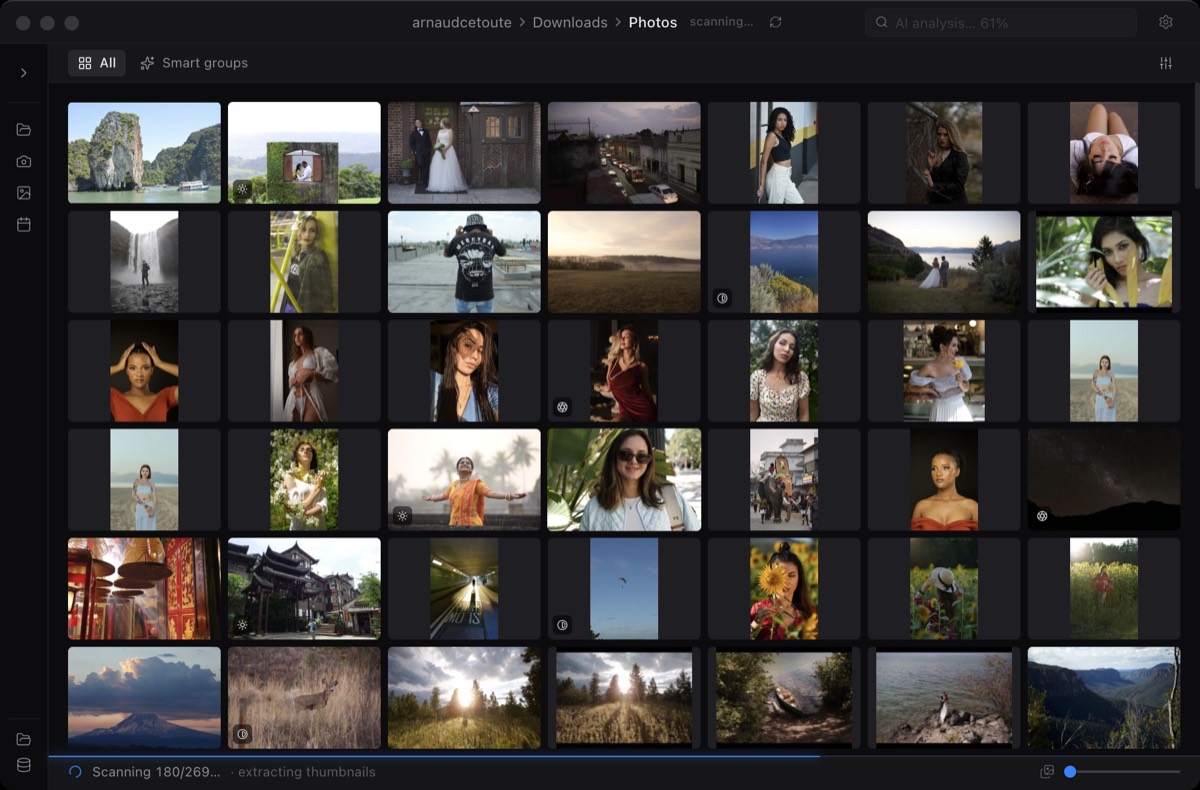
Open shoots where they already live: internal SSD, SD card, external drive, or network volume.
Miri is a focused macOS app for opening RAW folders, browsing quickly, selecting files, using local AI assistance, and exporting without building a catalog.
Open shoots where they already live: internal SSD, SD card, external drive, or network volume.
Use previews, cache, large preview navigation, and smart signals to move through a shoot quickly.
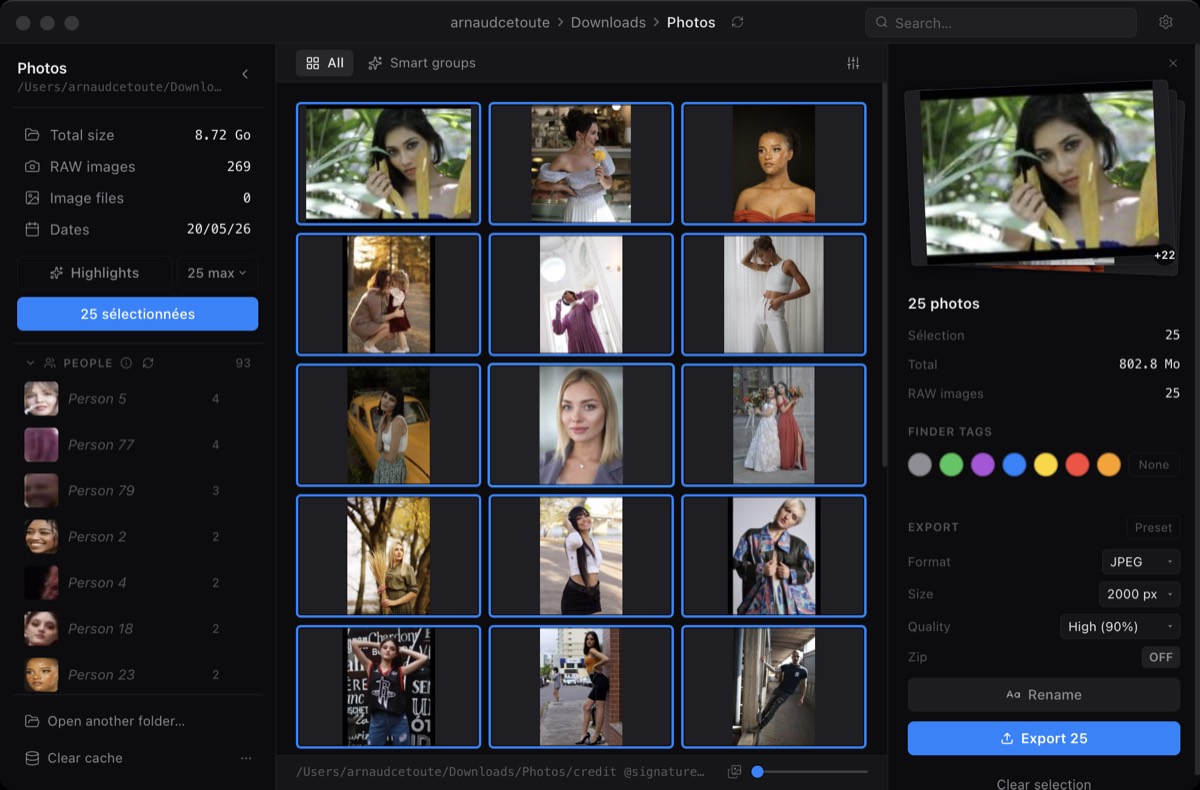
Export selected files as separate copies with size, quality, format, destination, and zip controls.
Miri reads the shoot in place. No catalog import, no copied library, no surprise files in the shoot folder.
Move through previews, use multi-select, and build the current selection for export or further review.
Run analysis to surface blur, duplicates, and exposure issues so you can focus attention where it matters.
Choose output size, quality, format, destination, and zip behavior. Originals remain untouched.
Open folders directly from disk without creating a catalog.
Browse quickly and reopen previous folders faster from cached previews.
Surface blur, duplicate, and exposure issue signals during review.
Use click, shift-click, and command-click to build the selected set.
Export selected items with size and quality controls.
Miri reads your RAW files in place and exports separate copies.
Generate an on-device suggested shortlist from sharpness, exposure, composition, and aesthetic signals.
Find remembered scenes or moments without manually keywording the shoot.
Group faces locally for wedding, event, and people-heavy review workflows.
Use token templates and sequence numbers for cleaner file naming.
Activate one Pro license on up to 2 Macs.
Get priority help for launch issues, format reports, and license questions.
Suggests a shortlist locally. You can keep it, adjust it, or clear it.
Search visually by describing what you remember, like a scene, person, object, or moment.
Groups faces on your Mac so private shoots do not need to leave your machine.
Choose size, quality, format, destination, and zip behavior for selected files.
Pro batch rename supports token-style naming for cleaner deliveries and archives.
Original RAW files stay exactly where they are unless you explicitly choose an action.
The core loop is free: open RAW folders, browse previews, select files, use smart flags, and export copies.
Pro adds AI Highlights, semantic search, face recognition, token-based batch rename, priority email support, and activation on up to 2 Macs.
No. Miri is for the first-pass culling workflow before editing. It does not replace Lightroom, Capture One, Photoshop, or other editing tools.
No. Highlights, semantic search, and face recognition are designed to run on-device.