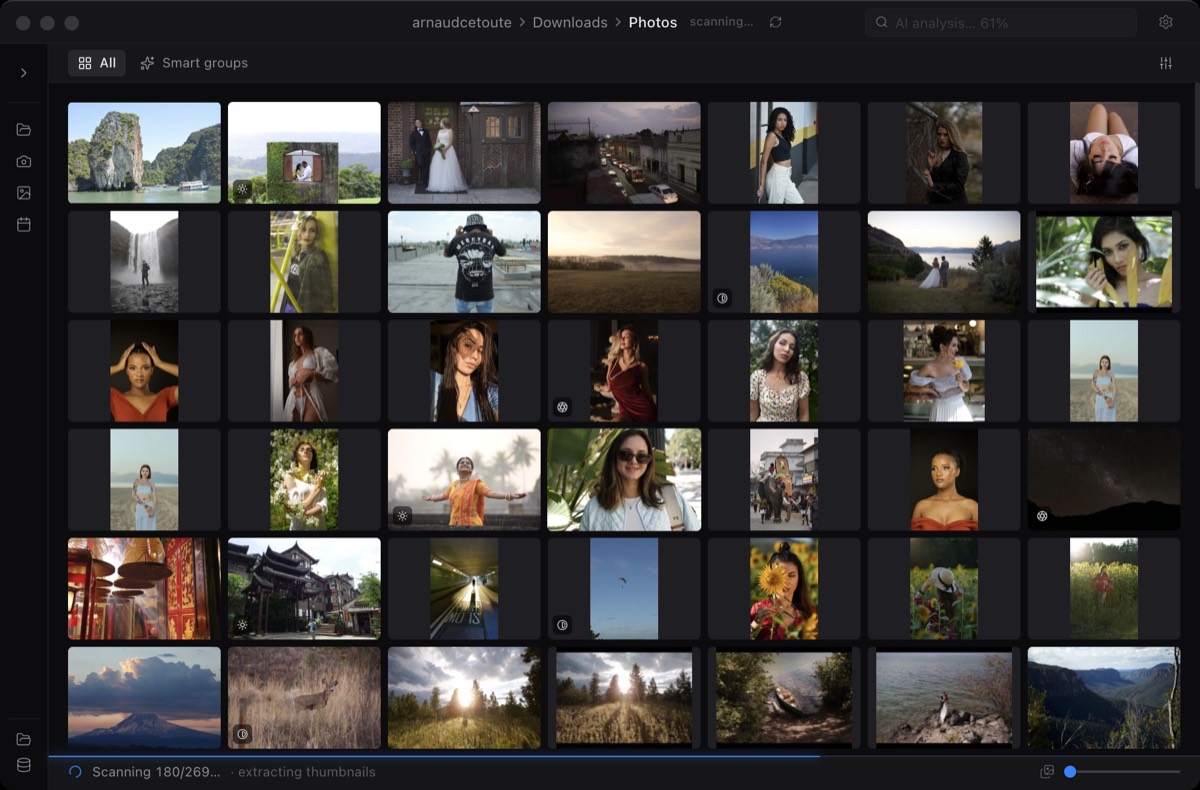
No import step
Open the folder where the shoot already lives. Miri reads files in place and leaves originals untouched.
Miri is built for the first pass: open a folder, browse previews quickly, use smart flags to spot problem files, and export the files you select.
Culling is the fast review pass before deep editing. Miri focuses on speed, multi-select, non-destructive originals, and clean exports from the current selection.
Open the folder where the shoot already lives. Miri reads files in place and leaves originals untouched.
The app prioritizes embedded RAW previews and visible thumbnails so browsing starts quickly.
Blur, exposure, duplicate signals, Highlights, semantic search, and face tools help narrow the set without taking over.
Point Miri at a folder on your Mac, SD card, external SSD, or network volume. No catalog database is created in the shoot folder.
Use fast previews, large preview navigation, and smart flags to move through the shoot without waiting for a full editor import.
Click, shift-click, or command-click to build the current selection. Highlights can suggest a shortlist when Pro AI is enabled.
Choose size, quality, format, destination, and zip behavior. Miri exports copies while original RAW files stay in place.
No. Miri is for browsing, selection, smart review, and export. Editing stays in Lightroom, Capture One, Photoshop, or the editor you already use.
No silent metadata writes. The product is built around reading folders in place and exporting separate files from your selection.
No. The core workflow works without AI. Pro AI features help create shortlists, search visually, and group faces, but you stay in control.