No cloud analysis
Client shoots stay on your machine while AI features run locally.
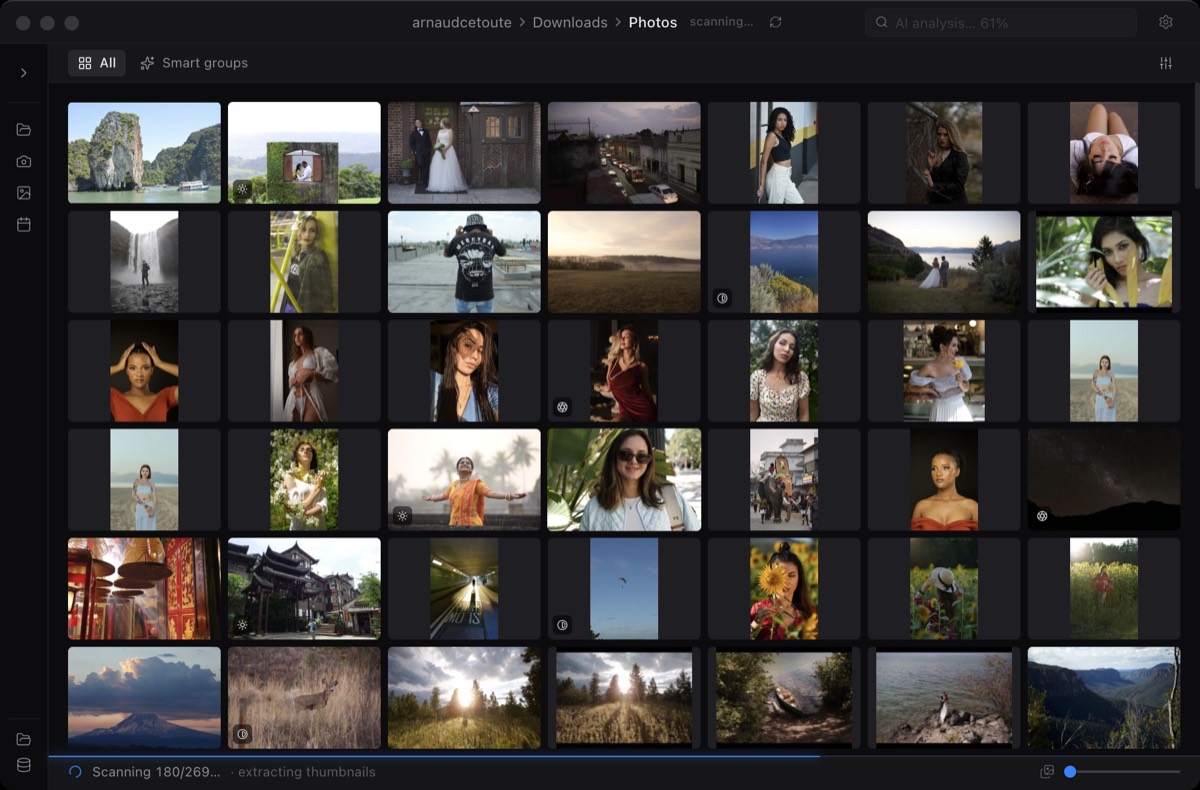
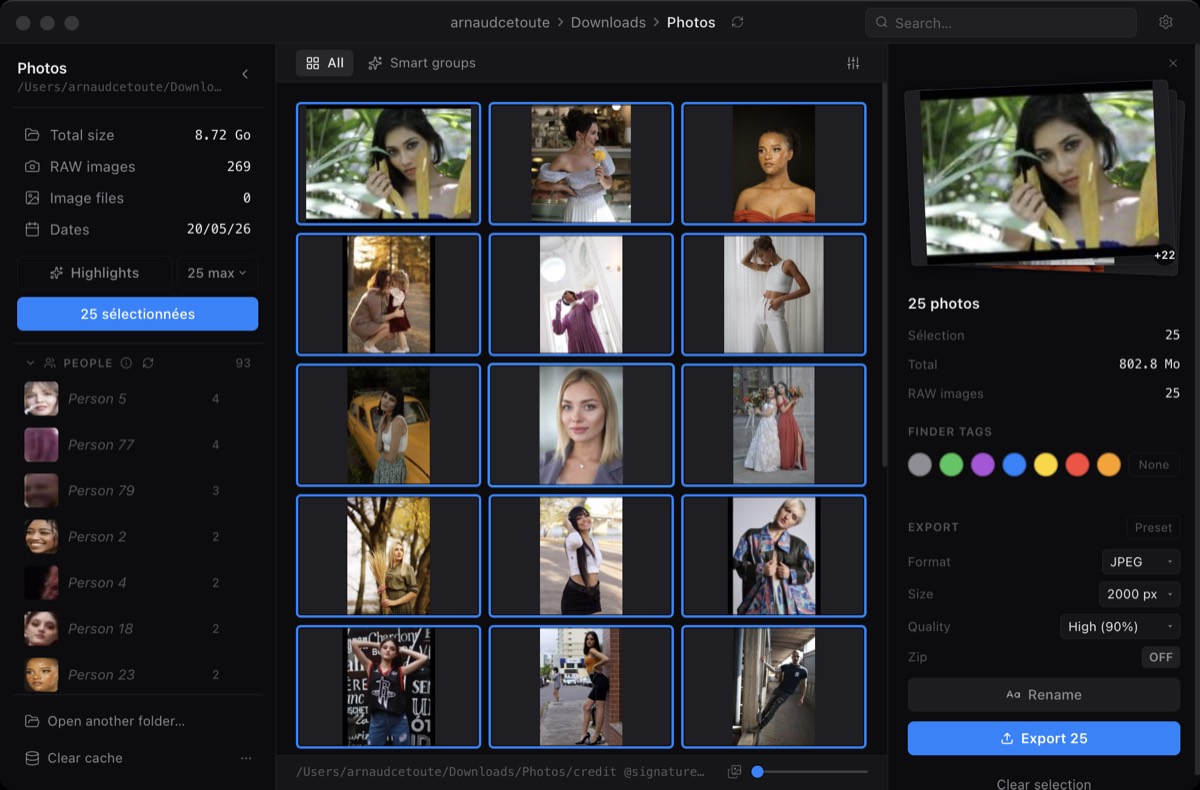
Miri's Pro AI features are designed to run on your Mac: highlights, semantic search, and face recognition without sending client shoots to the cloud.
Client shoots stay on your machine while AI features run locally.
Heavier AI analysis is a deliberate workflow step, not a surprise background upload.
Weddings, events, and private sessions deserve tools that keep originals local by default.
Score frames for a suggested shortlist using visual quality signals such as sharpness, exposure, composition, and aesthetics.
Search a shoot by visual meaning, such as a moment, person, object, or scene description.
Group faces locally so event and wedding shoots can be reviewed by person instead of only by timeline.
No. Miri is designed around on-device analysis for Highlights, semantic search, and face recognition.
No. Heavy analysis is tied to explicit workflow actions, so the app does not surprise you with background cloud jobs.
Yes. The core browsing, selection, and export loop remains available without Pro AI features.