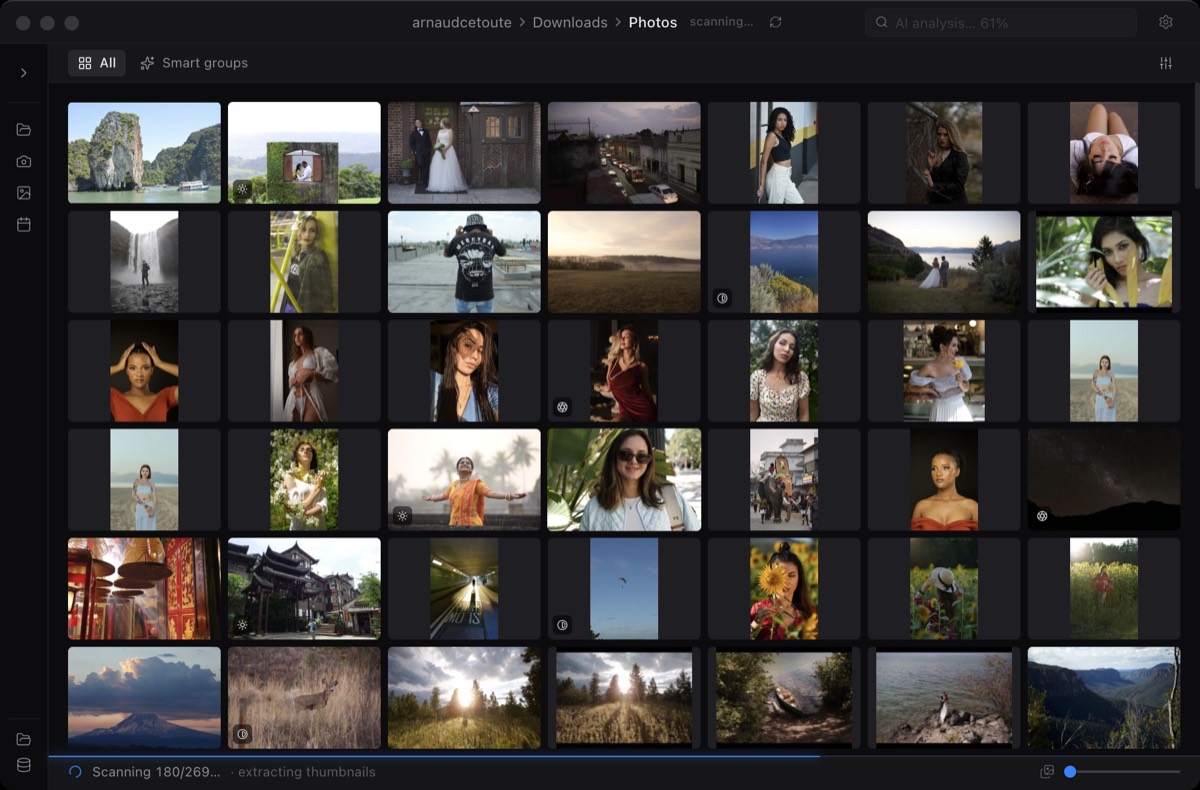
Simple scope
Open, browse, select, export. Miri stays focused on the culling loop.
Miri is for photographers who want a focused, modern first-pass culling app on macOS with no cloud upload and no catalog requirement.
Photo Mechanic is a mature professional tool. Miri is narrower: fast RAW browsing, smart flags, local AI assistance, multi-selection, and export from the selected files.
Open, browse, select, export. Miri stays focused on the culling loop.
AI Highlights and semantic search are designed to run locally on your Mac.
Miri is designed as a compact macOS utility, not a full DAM or editing suite.
Not necessarily. If you need mature IPTC, ingest, captioning, and agency workflows, Photo Mechanic may still be the better fit.
Miri is for photographers who want fast RAW folder browsing, local AI assistance, and a simple export workflow without managing another large catalog.
No. Miri's AI features are designed to run on-device, which matters for private client work.